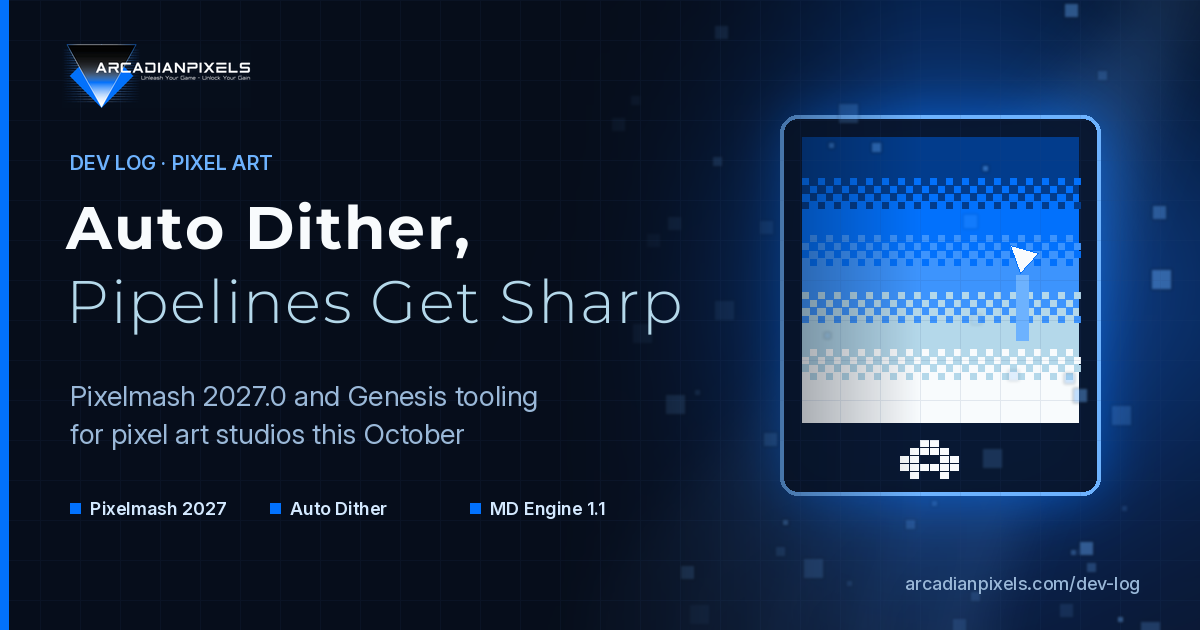
Mid-October 2026 delivered a quiet but useful wave of pixel-art tooling updates. Nevercenter shipped Pixelmash 2027.0 with a new Auto Dither effect and multi-layer workflow upgrades. Two Black Cats followed with MD Engine 1.1.0, giving Sega Genesis creators standalone pixel and audio tools plus native raster effects. Together they point at the same idea: the craft of hand-made pixels is still alive, and the tools around it are getting sharper.
At Arcadian Pixels we build games, tools and blockchain-native experiences. Our main project, Tales of Xdripia: The Seventh Amulet, gets its own Developer Diary here every Friday. Today's Dev Log is about the tools that sit under that work, and what these releases mean for anyone shipping pixel games in 2026.
Pixelmash 2027.0: Auto Dither lands
Nevercenter's Pixelmash is a resolution-independent pixel art app: you draw with vectors and effects, then rasterize to clean pixel grids. Version 2027.0 is out now (announced about two days before this post), and the headline feature is Auto Dither.
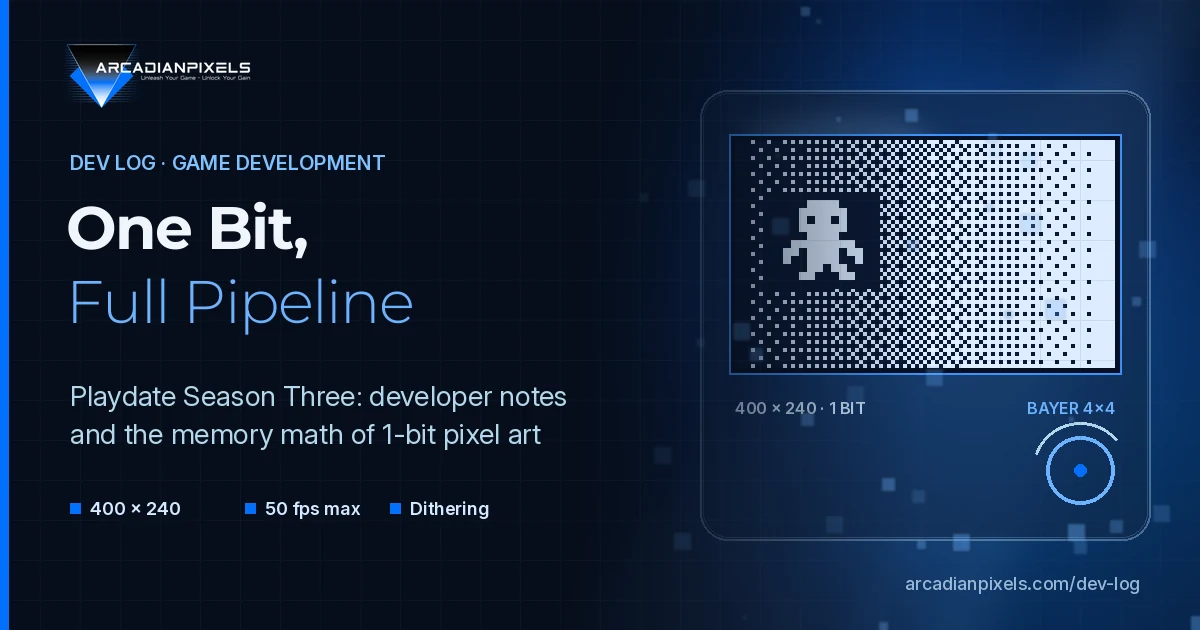
Dithering is still one of the slowest parts of pixel shading. You place ordered patterns between two color bands so the eye blends them without adding midtones the palette doesn't allow. Auto Dither finds those band boundaries and fills them with pre-made or custom patterns. You pick which side of each boundary gets the dither, and a Falloff Bias slider controls how quickly the pattern fades. Pair it with the upgraded Auto Shade effect (new Rounded / Bubble shading style) and a flat shape can become a shaded, dithered sprite in a couple of clicks.
That does not replace artistic judgment. It removes the mechanical grind so artists can spend time on silhouette, animation and readability instead of clicking every third pixel by hand.
Workflow features that matter in production
2027.0 is not only one effect. Nevercenter also shipped:
Multi-layer selection and transform. Select several layers in the Layers window or Shift-click on the canvas, then move, scale, rotate, nudge, duplicate or delete them as a group. The transform tool uses one shared handle box.
Layer Reference effects. Any layer can pull its effects from another layer, so lighting and style stay consistent when one source changes.
Universal effect angles. A document-wide angle checkbox keeps lighting direction aligned across layers.
Vector fill rules. Union, Subtract, Intersect and Exclude, plus double-click to select a whole curve.
For a small studio shipping sprites across characters, tiles and UI, those consistency tools matter as much as the dither itself. Style drift between assets is expensive; linked effects reduce it.
MD Engine 1.1.0: Genesis tools get standalone
On the hardware-authentic side, Pants Pants Revolution reports that Two Black Cats released MD Engine 1.1.0 for Windows, macOS and Linux (13–14 October 2026). MD Engine lets creators build Sega Genesis software without writing assembly or C; it compiles for original hardware, flash carts and modern OSes. The software is priced at $19.99.
The update makes Mini Painter and Mini Tracker launchable as standalone apps via command-line flags. You no longer need a full game project open just to edit a sprite or tweak a track. Native support for hardware line-scroll waves, raster gradients and palette cycling lands as engine features—the same tricks classic Sonic titles used for water and glowing lights, without custom render code.
Resource discipline stays front and center: a Shared Sprite Engine, an experimental 30 FPS mode, and warnings when images need too much RAM to decompress. That is the opposite of modern HD pipelines, and it is exactly why Genesis tooling is useful study material for pixel artists: every tile, palette slot and VDP cycle still counts.
Why tooling news belongs in a Dev Log
Hardware headlines (yesterday we covered October's retro handheld wave) tell you where players play. Tooling headlines tell you how sprites get made. Both shape what a pixel game looks like when it ships.
A few practical takeaways we take from this week:
Automate the mechanical, keep the taste. Auto dither and auto shade are accelerators. Final frames still need a human pass for contrast, readability and animation clarity.
Consistency beats hero frames. Layer references and universal lighting angles reduce the "this enemy doesn't match the hero" problem that shows up late in production.
Constraints teach good habits. Genesis-style budgets (limited palettes, shared sprites, fixed scan effects) force clean silhouettes and deliberate motion—skills that transfer to Godot pixel projects on modern hardware.
Standalone tools save context switching. Opening a painter without booting a full engine project sounds small; over a month of daily art it adds up.
How we apply this at Arcadian Pixels
For Tales of Xdripia: The Seventh Amulet and our studio tools we keep a simple pipeline:
Fixed internal resolution and integer scaling on every target (see our previous Dev Log on handhelds).
Palette and dither rules decided early, so effects like Auto Dither are a starting point inside a known band structure, not a free-for-all.
Shared lighting direction across character and environment sheets—exactly the problem Universal effect angles solve in Pixelmash.
Godot as the runtime; art tools remain interchangeable as long as exports stay on the pixel grid.
We are not endorsing one commercial app over another. We are watching where the craft is investing engineering time: dither, multi-layer editing, authentic retro effects and fewer friction points between sketch and ship.
Secondary signal: 2D pipelines keep tightening
Around the same mid-October window, other 2D stacks kept shipping incremental quality-of-life: Floptle's recent releases emphasize pixel-accurate brushes, spritesheet-to-tileset flows and Tiled / LDtk imports (v0.115.0 notes). The pattern is the same as Pixelmash and MD Engine: less ceremony between drawing a tile and seeing it in a level.
Indie teams rarely need a brand-new engine. They need the last ten percent of friction removed from the tools they already trust.
Final thoughts
Pixel art in 2026 is not a nostalgia costume. It is a production discipline with its own tooling market, and that market just got a meaningful Autodesk-grade feature (auto dither with falloff control) plus a Genesis pipeline that treats Mini Painter as a first-class app. For studios like ours, the lesson is clear: invest in the grid, automate the boring shading pass, and keep lighting and palette rules shared across the whole sheet.
Follow the Arcadian Pixels Dev Log for more on game development, pixel art and the Tales of Xdripia journey. Friday's Developer Diary will cover concrete progress on The Seventh Amulet.