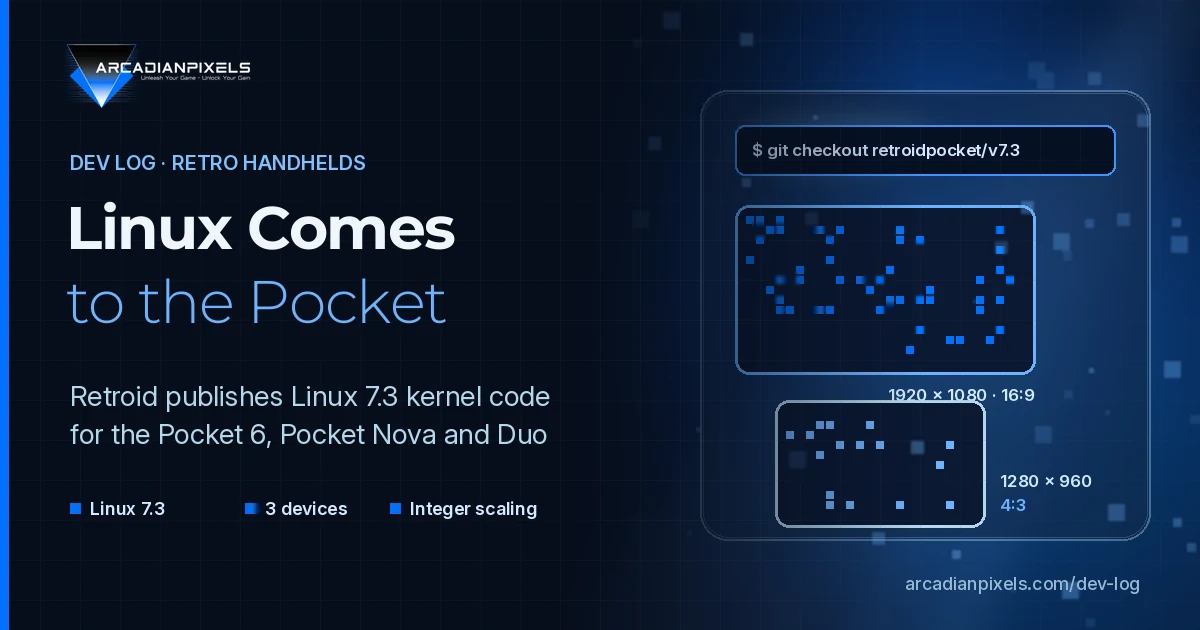
On 20 October 2026, Retroid announced on its Discord server what it calls "Mainline Linux" support for three of its current handhelds: the Retroid Pocket 6, the Pocket Nova and the dual-screen Pocket Duo. The code is public on the company's GitHub organisation, and it was reported the same week by Retro Handhelds, Retro Dodo and Cart & Pixel.
All three devices ship with Android. This release does not change that for players. It matters for developers, because it gives distribution builders the drivers they need to run Linux on these devices, and that is the route by which small engines and homebrew tools usually reach a handheld. This Dev Log summarises what was published, what is still missing, and what it means for teams that build pixel art games with handhelds in mind.
What Retroid published
The release has three parts, each a branch in a repository under the RetroidPocket organisation:
| Component | Repository | Branch |
|---|---|---|
| Kernel | RetroidPocket/linux | retroidpocket/v7.3 |
| Audio topology | RetroidPocket/audioreach-topology | retroidpocket/v1.0.5 |
| ALSA UCM configuration | RetroidPocket/alsa-ucm-conf | retroidpocket/v1.2.16 |
According to the announcement quoted by Retro Handhelds, audio works only when both the topology file and the UCM files are installed. The topology .bin goes in /lib/firmware/qcom/ and the UCM files in /usr/share/alsa/ucm2/. We checked the branches on GitHub: all three exist, and the latest commit on the kernel branch, dated 20 October, adds the device tree for the Pocket Duo.
The announced working features are the display panels (including both Duo screens), touchscreens, the built-in gamepad, the joystick RGB lights on the Pocket 6 and Nova, Wi-Fi and Bluetooth, the GPU, hardware video decode and encode, USB-C with DisplayPort output, UFS storage, microSD and the fan with thermal control. Audio is listed for the Pocket 6 and Nova.
"Mainline" is not quite the right word
For Linux developers, mainline means the official kernel tree maintained by Linus Torvalds. Retroid's branch is Linux 7.3 with extra patches on top. Cart & Pixel compared it with the official 7.3 tag and counted 71 additional commits, most of them by one developer, Teguh Sobirin. Some commits come from Qualcomm engineers and add support for the Eliza platform used by the Duo; one, registering "Retroid Pocket" as a hardware vendor name, carries maintainer acknowledgements. For the rest, neither the code nor the reporting says whether it has been submitted upstream.
In practice this is a downstream kernel: a well-documented starting point, but one that may need rework for each new kernel release unless the patches are accepted upstream.
The three devices, from a developer's point of view
The table below is built from Retroid's own product pages. These are the targets a Linux build would run on.
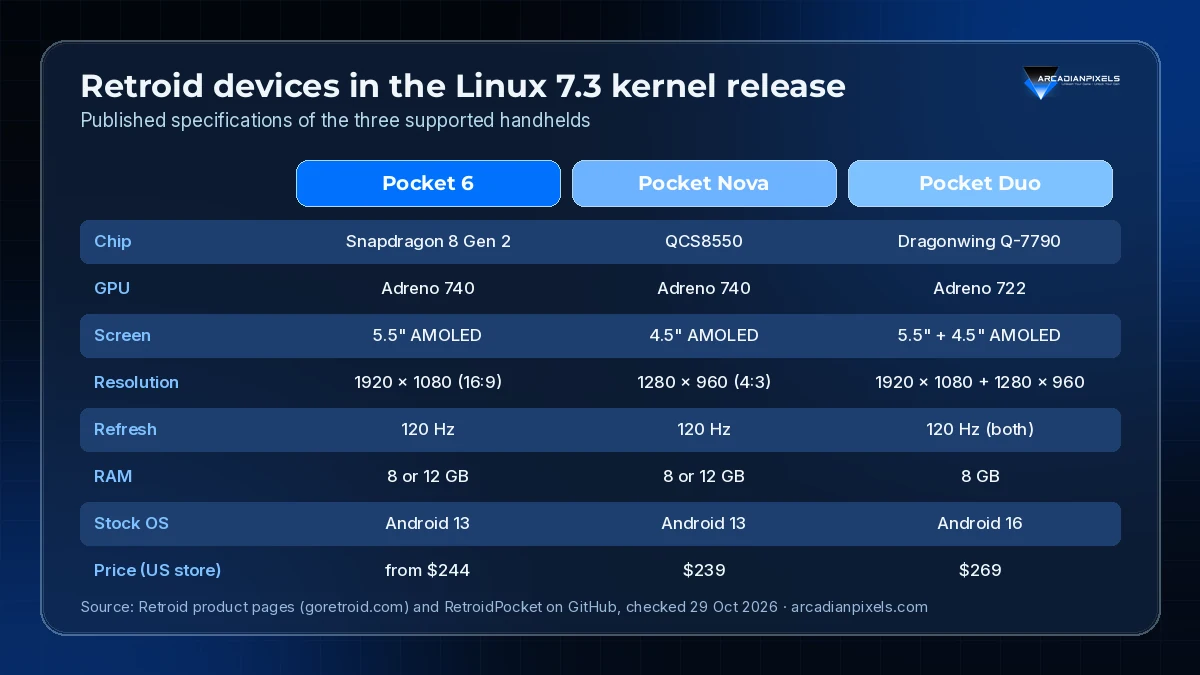
Source: Retroid product pages (goretroid.com) and RetroidPocket on GitHub, checked 29 October 2026.
Two things stand out for pixel art work. First, the panels are reused: the Duo's top screen is the same panel type as the Pocket 6 and its bottom screen the same type as the Nova, according to the kernel commits as read by Cart & Pixel. Second, the two resolutions are both clean multiples of classic base resolutions.
Integer scaling on these screens
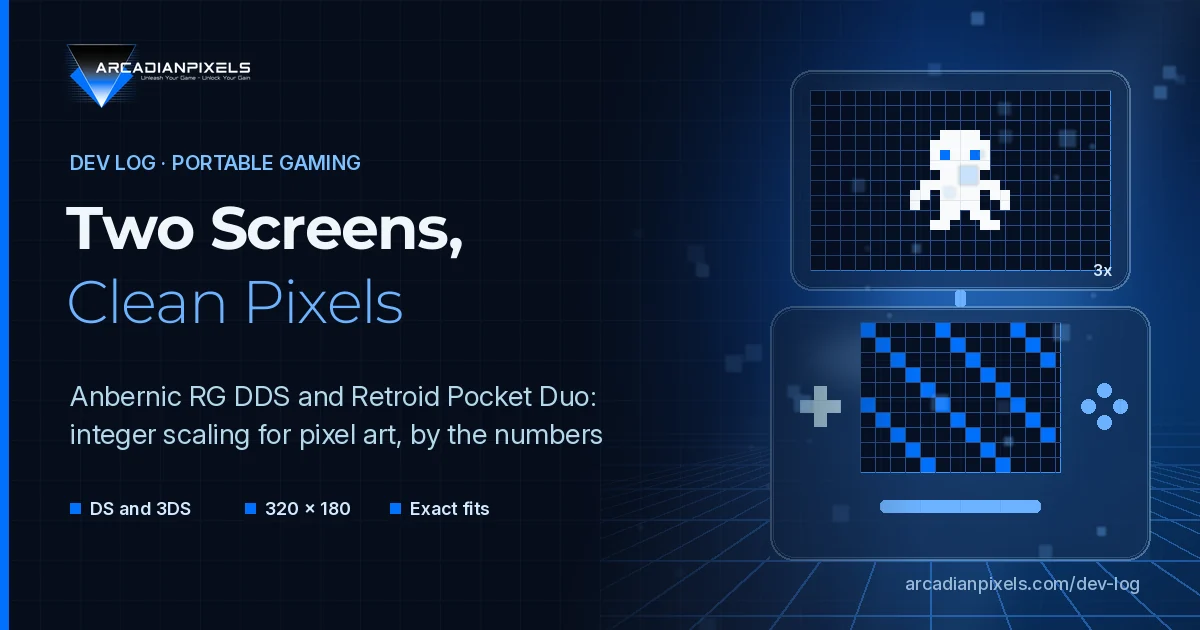
Pixel art looks best at whole-number scale factors, where every source pixel becomes the same square block. Here is how common base resolutions fit the two panel types:
| Base resolution | On 1920 × 1080 (16:9) | On 1280 × 960 (4:3) |
|---|---|---|
| 320 × 180 | 6×, fills the screen | 4× (1280 × 720), bars top and bottom |
| 480 × 270 | 4×, fills the screen | 2× (960 × 540), with borders |
| 640 × 360 | 3×, fills the screen | 2× (1280 × 720), bars top and bottom |
| 320 × 240 | 4× (1280 × 960), bars left and right | 4×, fills the screen |
| 640 × 480 | 2× (1280 × 960), bars left and right | 2×, fills the screen |
The arithmetic is simple, but the conclusion is useful: a game designed at 320 × 180 is a perfect fit for the Pocket 6 and the Duo's top screen, while 320 × 240 is the native fit for the Nova and the Duo's bottom screen. A dual-screen layout on the Duo could pair a 16:9 play area with a 4:3 map or inventory, each at an exact scale.
What is still missing
The release is code, not a product. Points worth keeping in mind before planning around it:
- No installable image. Retroid has not published a ready-to-flash Linux system, and the reports describe no steps for building or booting the kernel. Retro Handhelds was clear that this is not something the average user should attempt.
- Distributions have to adopt it. According to Cart & Pixel, the community distribution ROCKNIX already lists the Pocket 6 and Nova in its 1 October release, but not the Duo. Whether ROCKNIX or Batocera picks up Retroid's work is not yet known.
- Duo audio is unconfirmed. The kernel includes an audio setup for the Duo, but the announced feature list names audio only for the Pocket 6 and Nova.
- Older models are not covered. The Pocket 5, Flip 2 and Mini are not part of this release; their Linux support still comes from the community.
What we take from it
For Arcadian Pixels Studio, the practical lessons are modest but concrete:
- Keep Linux ARM64 builds in the pipeline. Handheld distributions run on ARM64. Engines and frameworks that already export to Linux on ARM make that step much shorter.
- Pick base resolutions that divide cleanly. 320 × 180 and 320 × 240 cover both panel types in this family at exact scale factors.
- Rely on standard gamepad input. The built-in controls are read by a dedicated kernel input driver,
rsinput. A game that handles standard gamepads through its engine's input layer is best placed to work once a distribution maps those controls. - Wait for a distribution before testing on hardware. Until a distribution ships images for these devices, testing on Android or on desktop Linux remains the realistic path.
We will follow whether these patches move upstream and whether community distributions add the Pocket Duo, and we will report back when either happens.